
There are several ways to listen to the WKBK internet stream:
- Website: On your desktop or your smartphone, go to our website www.wkbkradio.com and click the “listen live” link at the top of the page
- iPhone: Go to the App Store, Search for the free TuneIn app, then search for WKBK
- Android: Go to the Google Play Store, Search for the free TuneIn app, download it, then search for WKBK
-
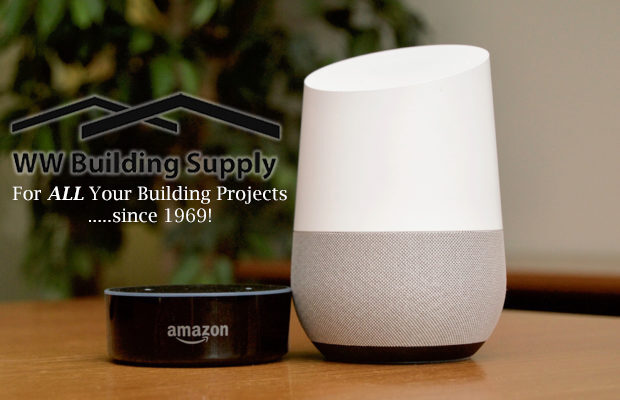
- AMAZON: Say “Alexa, enable WKBK.” to enable the station skill. After that, users can say “Alexa, play WKBK” to listen.
SKILL LINK: https://www.amazon.com/Saga-Communications-107-5-1290-Radio/dp/B072WF55RW/ - GOOGLE: “OK Google, play WKBK.”
- AMAZON: Say “Alexa, enable WKBK.” to enable the station skill. After that, users can say “Alexa, play WKBK” to listen.
The WKBK Live Stream is brought to you by: